
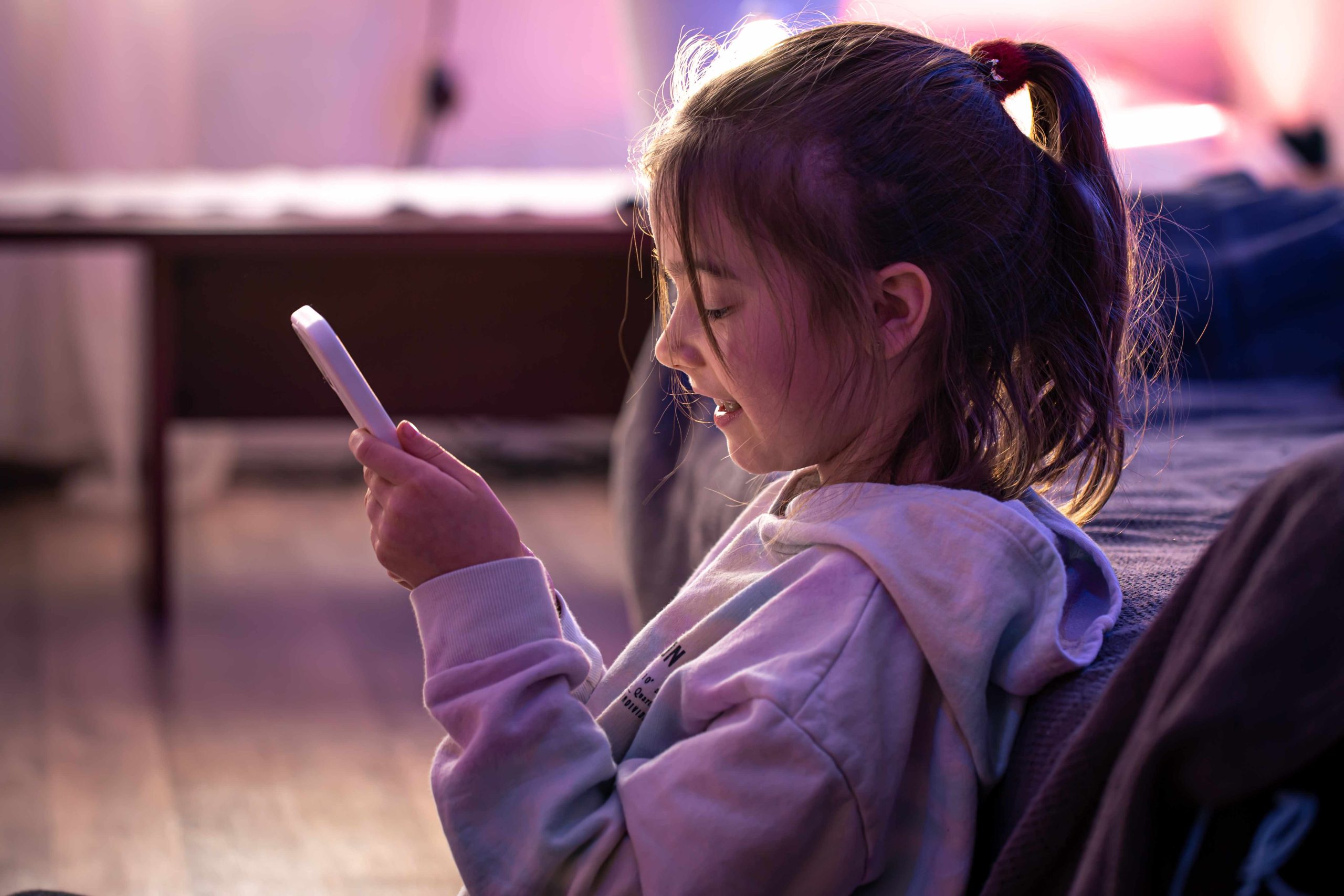
The Best Safe App for Preschoolers to Avoid Inappropriate Content
As a parent or guardian, one of your primary concerns is protecting your preschooler from encountering harmful content online. With the proliferation of smartphones, tablets, and other devices, preschoolers now have access to an endless array of information, which can both benefit and harm their mental and emotional well-being. In this article, we’ll explore the best app for ensuring your preschooler’s online safety and shielding them from objectionable material.
Understanding the Risks of Inappropriate Content
The internet, being vast and dynamic, exposes preschoolers to material that is unsuitable for their age. This may include cyberbullying, which can profoundly impact their mental and emotional health, as well as violent or sexual content. Due to their natural curiosity, preschoolers often stumble upon such material inadvertently. Recognizing the risks involved and taking necessary precautions to protect them are therefore vital.
The Importance of Parental Controls
Parental controls are essential tools that can help you monitor your preschooler’s online activities and restrict their access to objectionable material. These controls can be set up on various devices, including computers, tablets, and smartphones, and can be customized to suit your child’s needs and age. They can impose time limits on usage, block specific terms associated with inappropriate content, and restrict access to certain websites or applications.
Introducing YouTube Kids: The Best Safe App
YouTube Kids is a free app designed to provide preschoolers with a secure and child-friendly environment for exploring and learning new content. The app is curated to display only age-appropriate videos and filter out undesirable material. Parental controls for YouTube Kids include a timer to limit screen time and a search history to allow parents to monitor their preschoolers’ activities. Available on both iOS and Android smartphones, the app offers a range of educational and entertaining videos.
Setting Up YouTube for Preschoolers
Setting up YouTube Kids is quick and straightforward. After downloading the app from the Google Play Store or the App Store, open it and create a profile for your preschooler, providing their age and preferred content. Once the profile is created, you can set parental restrictions such as a timer and search history. Additionally, you can limit your child’s viewing by selecting specific channels or videos.
Considering Other Safe Apps
While YouTube Kids is an excellent option for young preschoolers, it’s worth exploring other secure applications as well. Platforms like Netflix Kids, PBS Kids Video, and Kidoodle.TV offer parental settings that allow you to tailor your child’s experience. These apps provide a safe and developmentally appropriate environment for preschoolers to explore and learn.
Conclusion
Ensuring your preschooler’s safety from objectionable online content is crucial for their well-being. Parental controls are indispensable tools that can help you monitor their online behavior and limit their exposure to inappropriate material. YouTube Kids stands out as a secure app that provides a child-friendly environment for exploration and learning. However, depending on your child’s needs and preferences, you may want to explore other safe applications as well. Always remain vigilant and prioritize your preschooler’s safety whenever they are online.

Archives
Categories
- Articles
- E-preschool Enrichment
- Jumpstart Preschool
- Montessori Preschool
- Online Preschool
- Preschool
- Preschool Activities
- Preschool Age
- Preschool Apps
- Preschool Art Projects
- Preschool Assessment
- Preschool Assessment Tests
- Preschool Books
- Preschool Bulletin Board Ideas
- Preschool Classroom
- Preschool Coloring Pages
- Preschool Crafts
- Preschool Curriculum
- Preschool Design Ideas
- Preschool Developmental Milestone
- Preschool Drawing
- Preschool Education
- Preschool Fees
- Preschool Field Trip
- Preschool Fire Drills
- Preschool Flashcards
- Preschool For Special Needs
- Preschool Games
- Preschool Goodbye Sayings
- Preschool Goodie Bag Ideas
- Preschool Home Tutor
- Preschool Homeschool
- Preschool Homework
- Preschool Hours
- Preschool Jokes
- Preschool Kids
- Preschool Kit
- Preschool Learning
- Preschool Learning Journey
- Preschool Lesson Plans
- Preschool Levels
- Preschool Lunch Ideas
- Preschool Market
- Preschool Math
- Preschool Meaning
- Preschool Multiple Intelligences
- Preschool Music
- Preschool Newsletter
- Preschool Outdoor Activities
- Preschool Phonics
- Preschool Poem
- Preschool Printables
- Preschool Programmes
- Preschool Quotes
- Preschool Readiness
- Preschool Reading
- Preschool Science Experiments
- Preschool Songs
- Preschool Syllabus
- Preschool Teacher
- Preschool Themes
- Preschool Units
- Preschool Words
- Preschool Workbooks
- Preschool Worksheets
- Preschool Writing Prompts
- Preschool Zoom Backgrounds
- Preschooler
- Transitional Preschool
- Uncategorized
- Virtual Preschool